1. Native Responsive Styling & Interactive Element Pseudo-States
Granular Viewport Controls:
Design systems can now apply customized spacing, typography scales, alignment, and display parameters across distinct desktop, tablet, and mobile views without writing custom CSS media queries.
Interactive Pseudo-State Styling:
Core interactive elements—particularly buttons and links—now support native configuration for :hover, :focus, and :active states.
Streamlined Asset Delivery:
By compiling responsive rules directly into core stylesheets, your site avoids the excess DOM wrappers and external stylesheet requests typical of legacy page builders.
┌────────────────────────────────────────────────────────┐
│            LEGACY BUILDER VS. MODERN CORE STACK        │
├────────────────────────────────────────────────────────┤
│ Legacy Builders  ► Bloated CSS Trees • Render Latency  │
│ Native Core 7.x  ► Inline Breakpoints • Zero Extra CSS │
└───────────────────────────┬────────────────────────────┘
                            │  Sub-Second Paint Velocity
                            ▼
┌────────────────────────────────────────────────────────┐
│           OPTIMIZED MOBILE USER EXPERIENCE             │
│ Green Core Web Vitals • Low Layout Shift • Clean DOM   │
└───────────────────────────┴────────────────────────────┘
2. Editor & Admin Refinements: Built Around Publishing Velocity
Publishing workflows should remove friction, not add it. Several key administrative enhancements make editing faster and more precise:
Persistent Admin Bar in the Post Editor:
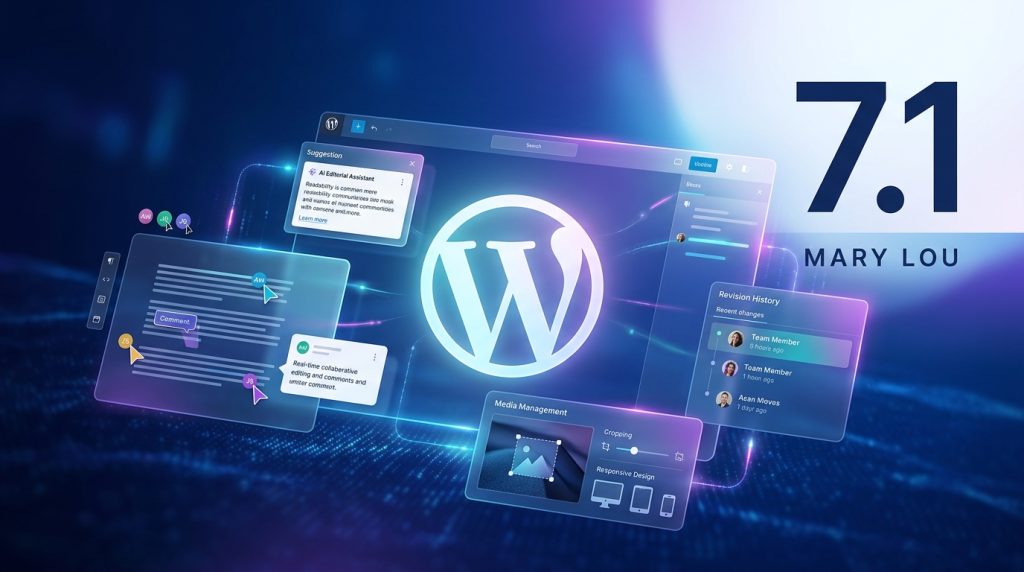
The standard admin top bar returns directly to the post editing interface, restoring one-click access to administrative dashboards, user profiles, and caching purges without navigating away from active drafts.
Upgraded Media Cropping Suite:
The integrated image editor features freeform cropping, aspect-ratio locking, fine-grained snap rotation, and horizontal/vertical flipping within a single interface.
Intelligent Command Palette Search:
The Command Palette (Ctrl+K / Cmd+K) incorporates improved fuzzy-search algorithms, contextual command filtering, and faster document-level navigation.
3. New Core Blocks: Native Tabs and Audio Playlists
Native Tabs Block:
Build accessible, tabbed content containers for product specifications, technical FAQs, and service comparisons. The markup compiles into semantic HTML with built-in ARIA keyboard navigation.
Native Audio Playlist Block:
Embed responsive, lightweight audio libraries and podcast series without embedding third-party players or heavy JavaScript libraries.
4. Developer Toolkit: Extending Responsive Component Defaults
<?php
/**
* Plugin Name: Sovereign Responsive UI Extensions
* Description: Registers responsive theme defaults and interactive element states.
* Author: WPDepartment.com
*/
if ( ! defined( ‘ABSPATH’ ) ) {
exit;
}
add_filter( ‘block_editor_settings_all’, ‘wpd_inject_responsive_editor_presets’, 10, 2 );
function wpd_inject_responsive_editor_presets( array $settings, WP_Block_Editor_Context $context ): array {
// Enable enhanced visual controls for administrative and editorial users
if ( current_user_can( ‘edit_theme_options’ ) ) {
$settings[‘__experimentalResponsiveViewports’] = [
‘mobile’ => ‘360px’,
‘tablet’ => ‘768px’,
‘desktop’ => ‘1200px’,
];
$settings[‘__experimentalPseudoStates’] = [ ‘hover’, ‘focus’, ‘active’ ];
}
return $settings;
}
5. Managing Modern Core Upgrades with Zero Live Downtime
┌────────────────────────────────────────────────────────┐
│            PROACTIVE STAGING & UPGRADE MATRIX          │
├────────────────────────────────────────────────────────┤
│ Step 1: Encrypted Snapshot  ► Daily Off-Site Backup    │
│ Step 2: Sandbox Deployment  ► Automated Visual Checks  │
│ Step 3: Schema Governance   ► Database Index Tuning    │
│ Step 4: Live Production Sync► Monitored Zero Downtime  │
└────────────────────────────────────────────────────────┘
Frequently Asked Questions
Modernize Your WordPress Architecture
To understand the company behind these solutions, you can explore Staxtar’s official platform for more technical and business details.